
Print a Pace Band at Actual Size
Choose A4 or Letter, use 100% print scaling and check the 100 mm calibration line before cutting your band.
Choose the matching paper
Select A4 or Letter in the maker and choose that same size in the print dialog. Both output layouts are landscape with a 10 mm safe margin. A4 is 297 × 210 mm in landscape; Letter is 279.4 × 215.9 mm. Changing the paper selection does not change the requested band length.
Use Actual size or 100%
- Open the PDF, or use the maker’s Print action.
- Select the matching paper size and landscape orientation.
- Choose Actual size or a 100% scale; avoid Fit or Shrink to fit.
- Turn off browser headers and footers when using browser printing.
- Print one page and check its scale before cutting.
Measure the calibration line
The output includes a line labelled 100 mm. Measure between its endpoint marks on the printed page. A correct measurement is 100 mm, or 10 cm. The length shown on your monitor is not a physical calibration because screen zoom and display density can change it.
| Observation | What to check next |
|---|---|
| Line measures less than 100 mm | Look for shrink-to-fit, a reduced scale or a paper-size mismatch. |
| Line measures more than 100 mm | Check custom scaling and enlargement options. |
| Edges are clipped | Confirm paper size, landscape orientation and driver margins. |
| Several strips appear | Check the range label on each strip; a dense marker list can require multiple bands. |
Inspect generated sample files
These sample exports use a 42.195 km, 4:00:00 even-pace plan, with 5 km markers, halfway and finish on a 200 × 32 mm band. PDF and SVG are generated from the same layout model.
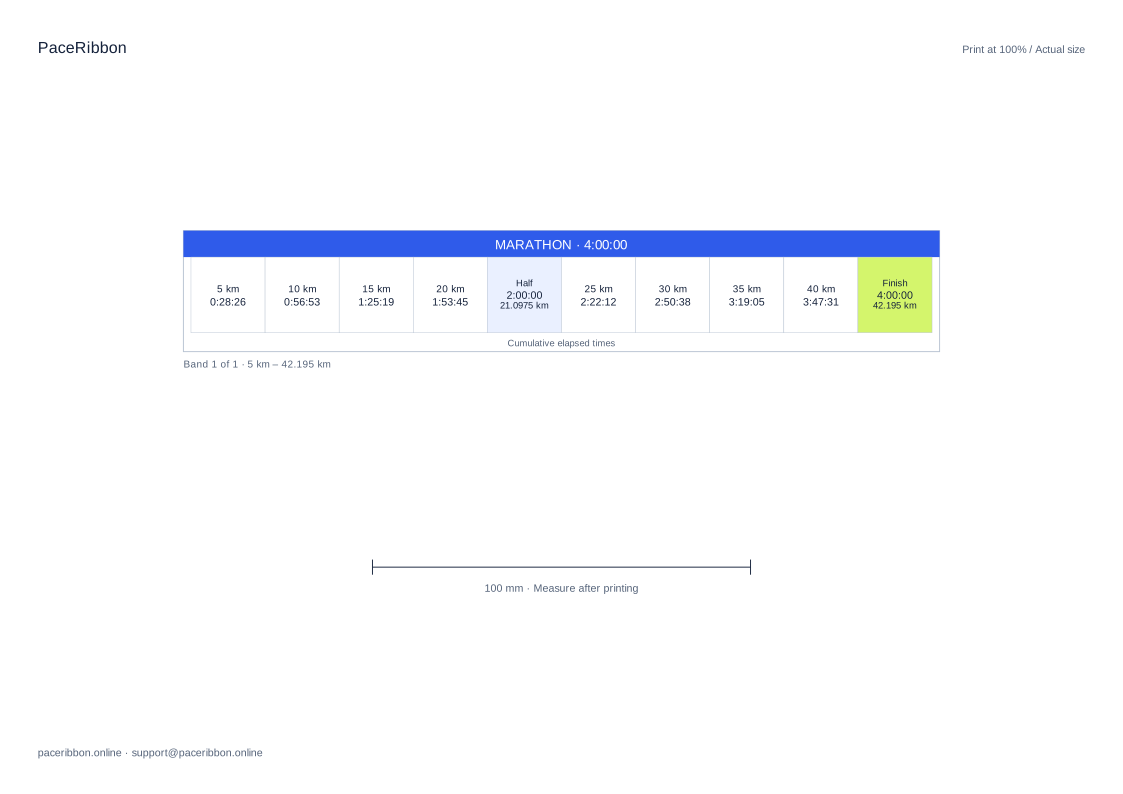
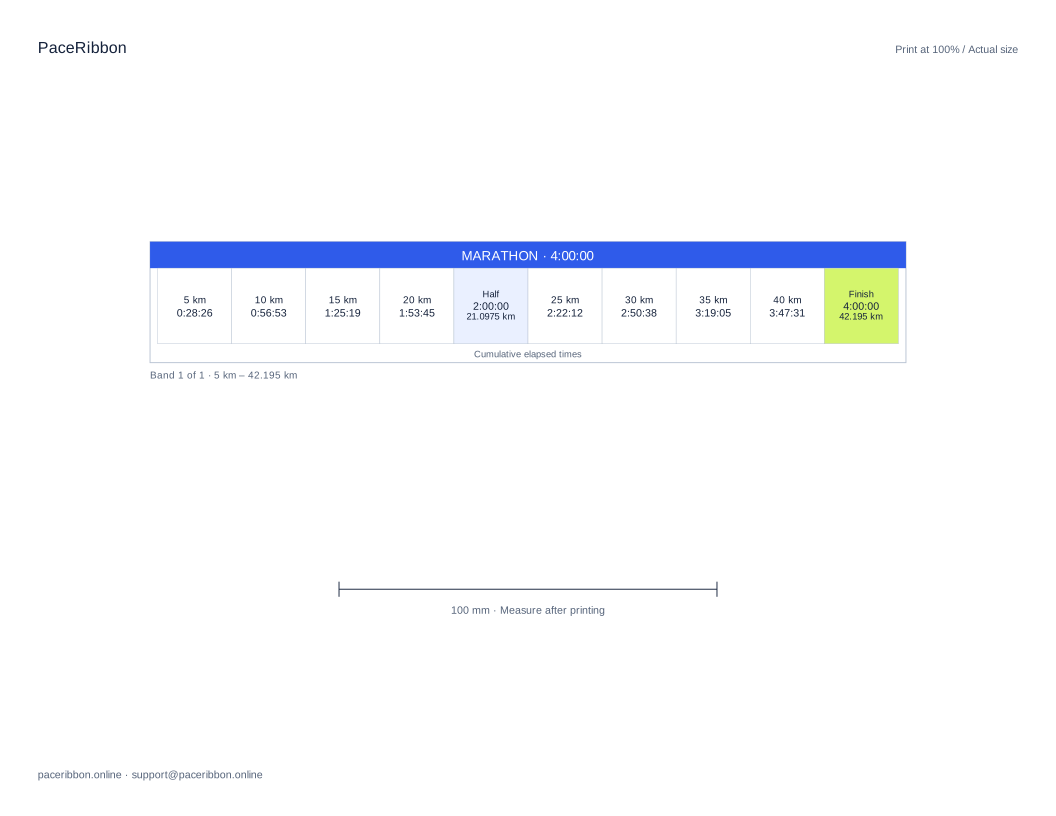
Keep the text readable
If your marker list is dense, choose a larger band or a wider interval. The maker keeps body text at or above 7 pt and creates additional strips when needed. Check the terminal row rather than assuming the first visible strip contains the whole plan.